
Your favorite moments.
Around the clock.
Turn a spare iPad into a photo frame by day and a soft, dim bedside clock by night.
Free to download · Try every feature for 7 days · iPadOS 16 or later
Your photos, with the time, date, and weather.
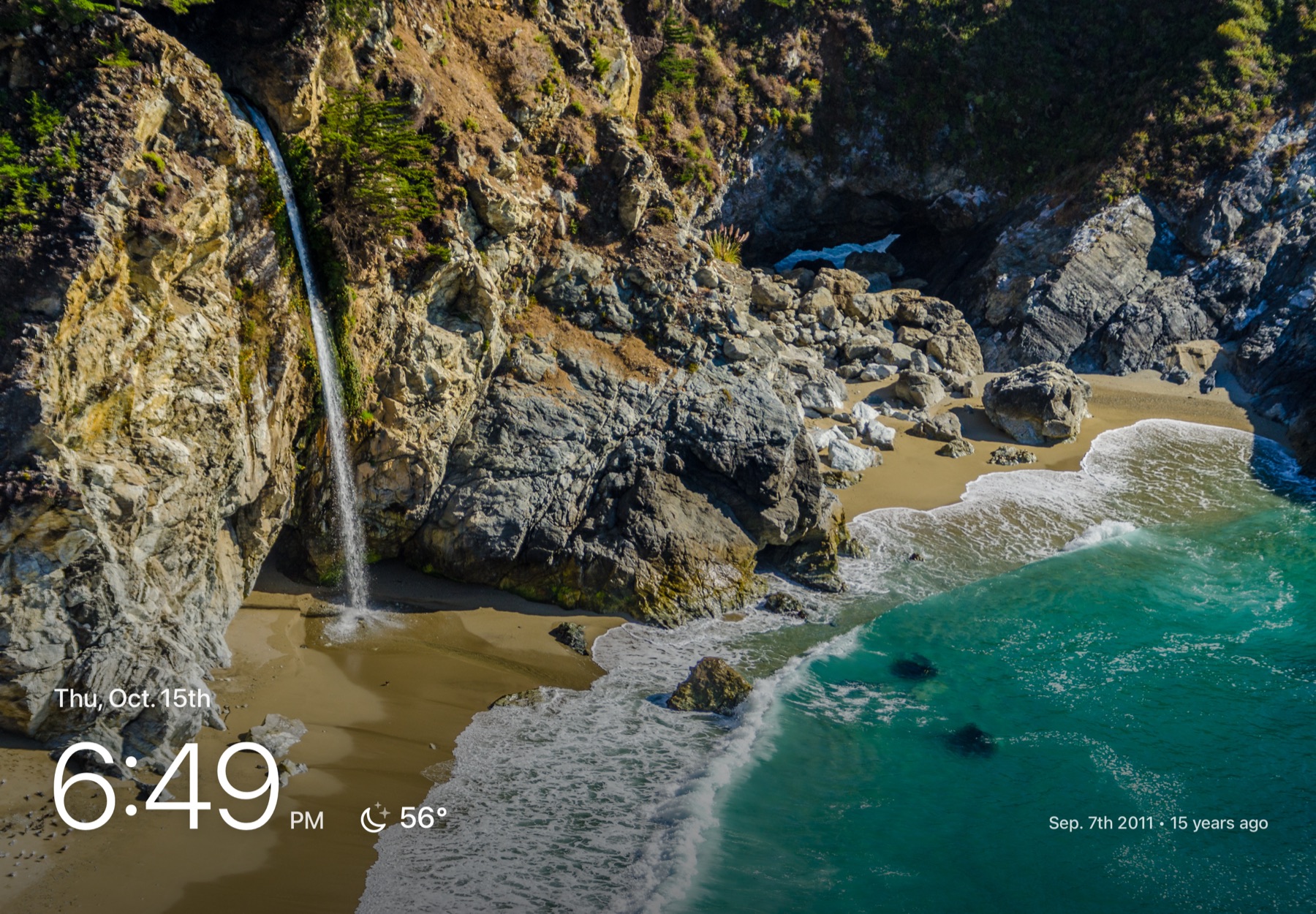
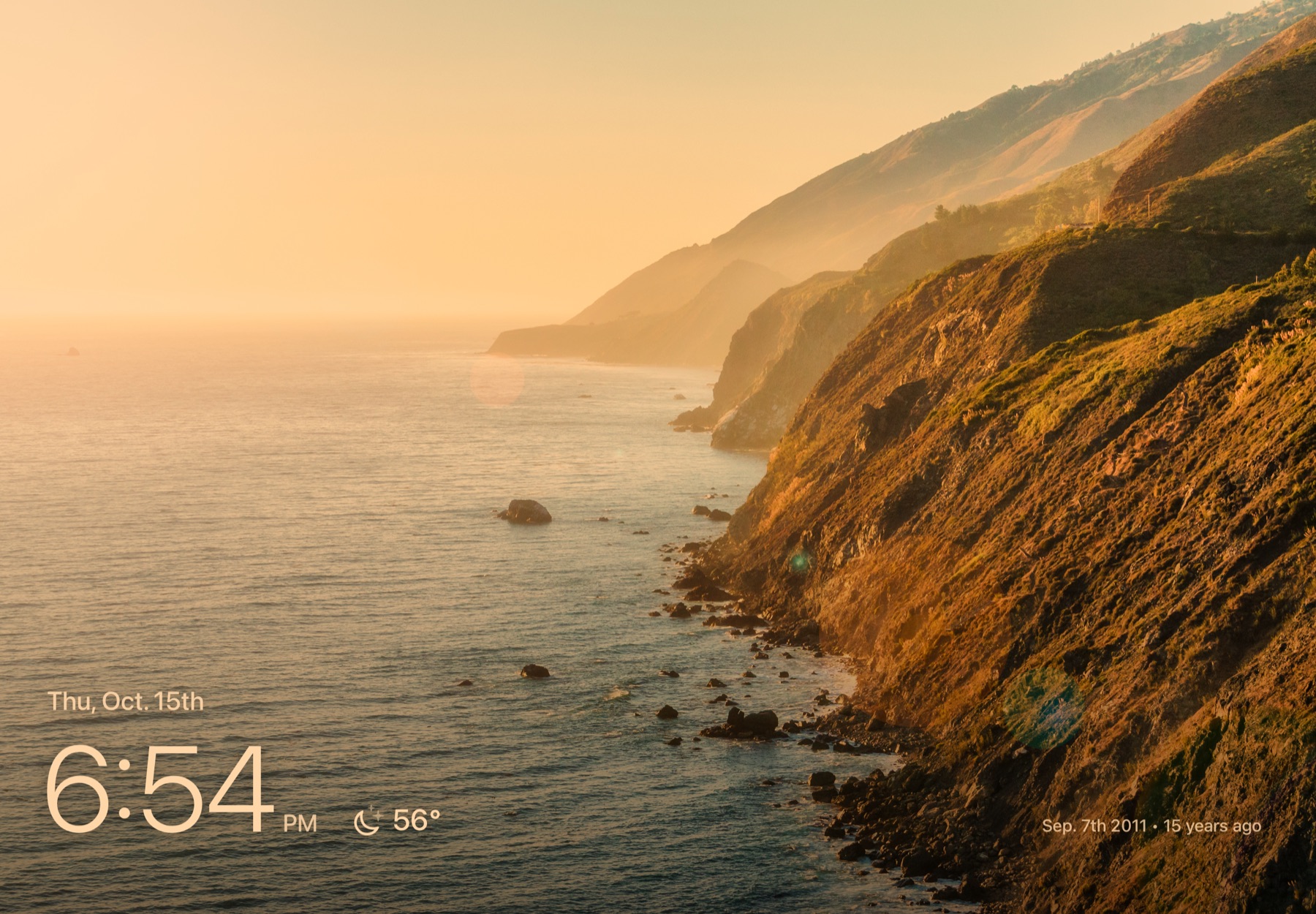
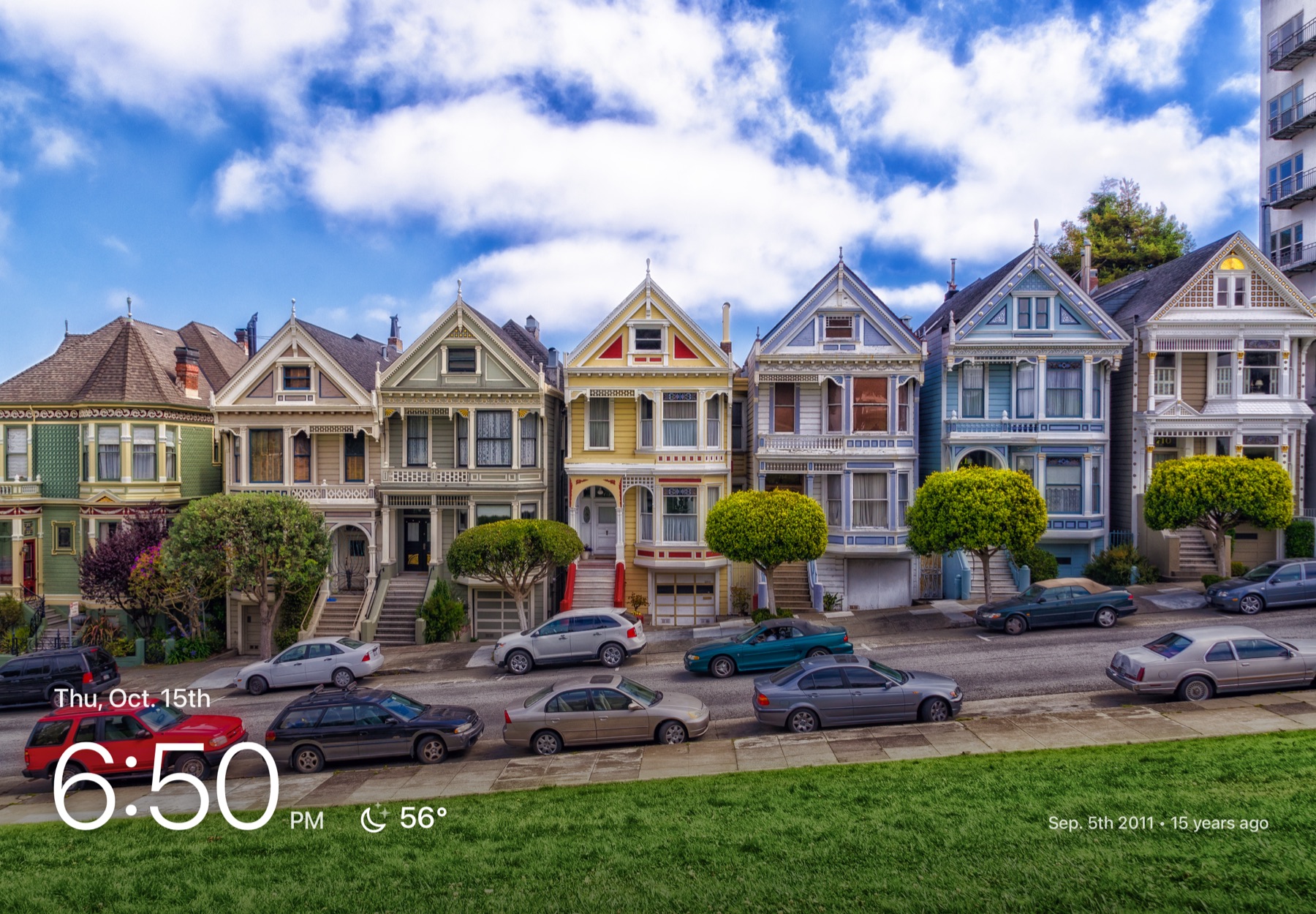
Memories that find you.
Pick a few albums and let it run. With Everglow Pro, dynamic albums keep the slideshow fresh with photos from this day in past years, this week, and the trips you took.
- Albums, Favorites, and iCloud Shared Albums, so family photos show up on their own
- Dynamic albums like On This Day and Away from Home Pro
- Relive the story behind each photo with when and where it was taken
A gentle glow for your nightstand.
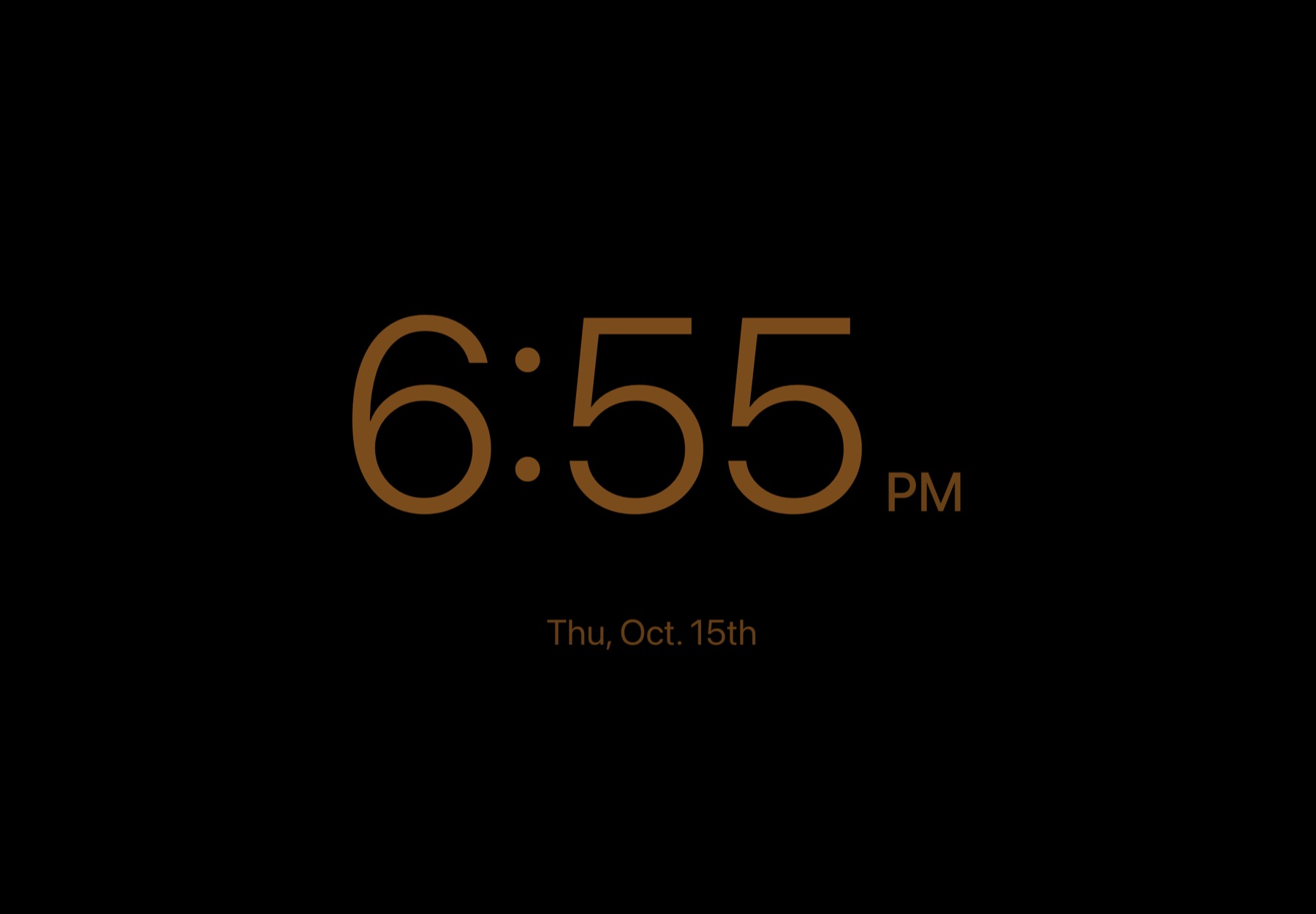
At bedtime, your photos give way to a minimal clock in warm amber on black, readable from bed without lighting up the room.
- Brightness drops on its own, and a tap never turns it back up
- Moves from Day to Evening to Night by sunset or your schedule
- The clock drifts now and then to protect the screen
Thoughtful down to the details.
Everything you need for a frame you never have to touch.
Smart Fill
On-device face and subject detection crops each photo without cutting anyone off, and pairs two portraits side by side.
The time at a glance
A large, elegant clock and date, easy to read from across the room. 12- or 24-hour, your choice of size.
Weather Pro
Current conditions from Apple Weather, with an optional daily high and low.
Room Light Pro
Night starts when you switch off the lights, and your photos return when you turn them on in the morning.
Make it yours Pro
Serif, Rounded, and Stacked clock styles. Soft White, Deep Red, or a custom night color.
A second life for older iPads
Runs on iPadOS 16 and later, back to the iPad (5th generation). Photos load at screen size, so it stays smooth all day.
Private by design.
Your photos never leave your iPad. The app has nothing to sign up for and nothing watching you.
- No account
- No ads
- No tracking
- No analytics
Pay once. Keep it forever.
Try every feature free for 7 days. No subscription, ever.
Everglow
Keeps working, with no time limit.
- Photo slideshow from your albums, Favorites, and Shared Albums
- Clock and date
- Amber night clock
- Switch between Day and Night by hand
Everglow Pro
Everything in Free, plus:
- Weather with daily high and low
- Dynamic albums like On This Day
- Evening Mode with a warm tint
- Automatic Day, Evening, and Night by sunset, schedule, or room light
- Extra clock styles and night colors
Family Sharing covers every iPad in your home.
Questions, answered.
Can I turn an old iPad into a digital photo frame?
Yes. That’s what Everglow is for. It runs on iPadOS 16 and later, back to the iPad (5th generation) from 2017. Put the iPad on a stand, keep it plugged in, and pick a few albums. Photos load at screen size, so even older iPads stay smooth all day.
Which iPads does Everglow work on?
Any iPad that runs iPadOS 16 or later: iPad (5th generation) and newer, iPad mini (5th generation) and newer, iPad Air (3rd generation) and newer, and every iPad Pro.
Can Everglow be a bedside clock?
Yes. At night it becomes a minimal clock in warm amber on black, dim enough for a bedroom. Brightness drops on its own, and a tap never turns it back up. Switch to Night by hand for free, or let Everglow Pro switch at sunset, on your schedule, or when you turn off the lights.
Does it show photos from iCloud Shared Albums?
Yes. Choose any albums, your Favorites, or iCloud Shared Albums. When family members add photos to a shared album, they join the slideshow on their own.
Is Everglow a subscription?
No. Everglow is free to download, and the slideshow, clock, and amber night clock keep working with no time limit. Everglow Pro is a one-time $4.99 purchase that unlocks everything else, with a 7-day free trial first. Family Sharing covers every iPad in your home.
Are my photos uploaded anywhere?
No. Your photos never leave your iPad. There’s no account, and no ads, tracking, or analytics. Weather comes from Apple Weather.
Give your old iPad a second life.
Put it on a stand, pick a few albums, and let it glow.
Download on the App StoreKeep your iPad plugged in for all-day, all-night use.